Managed SaaS
Nook Cloud
Create a normal Nook account. If you have no invitation, create an organization, become its owner, and add workspaces.
One account can belong to multiple Nook Cloud organizations.
Create a Nook Cloud accountMessaging, meetings, voice rooms, and files for Nook Cloud or your own paid self-hosted deployment. Choose the account and operating model that fits your organization.
Choose your Nook product
These options create accounts in separate security realms. You can return and choose the other product later.
Online checkout is not connected yet. Self-hosted orders currently require manual commercial authorization; no payment or tax invoice is created by this flow.
Six integrated workspaces that replace a stack of disconnected tools.
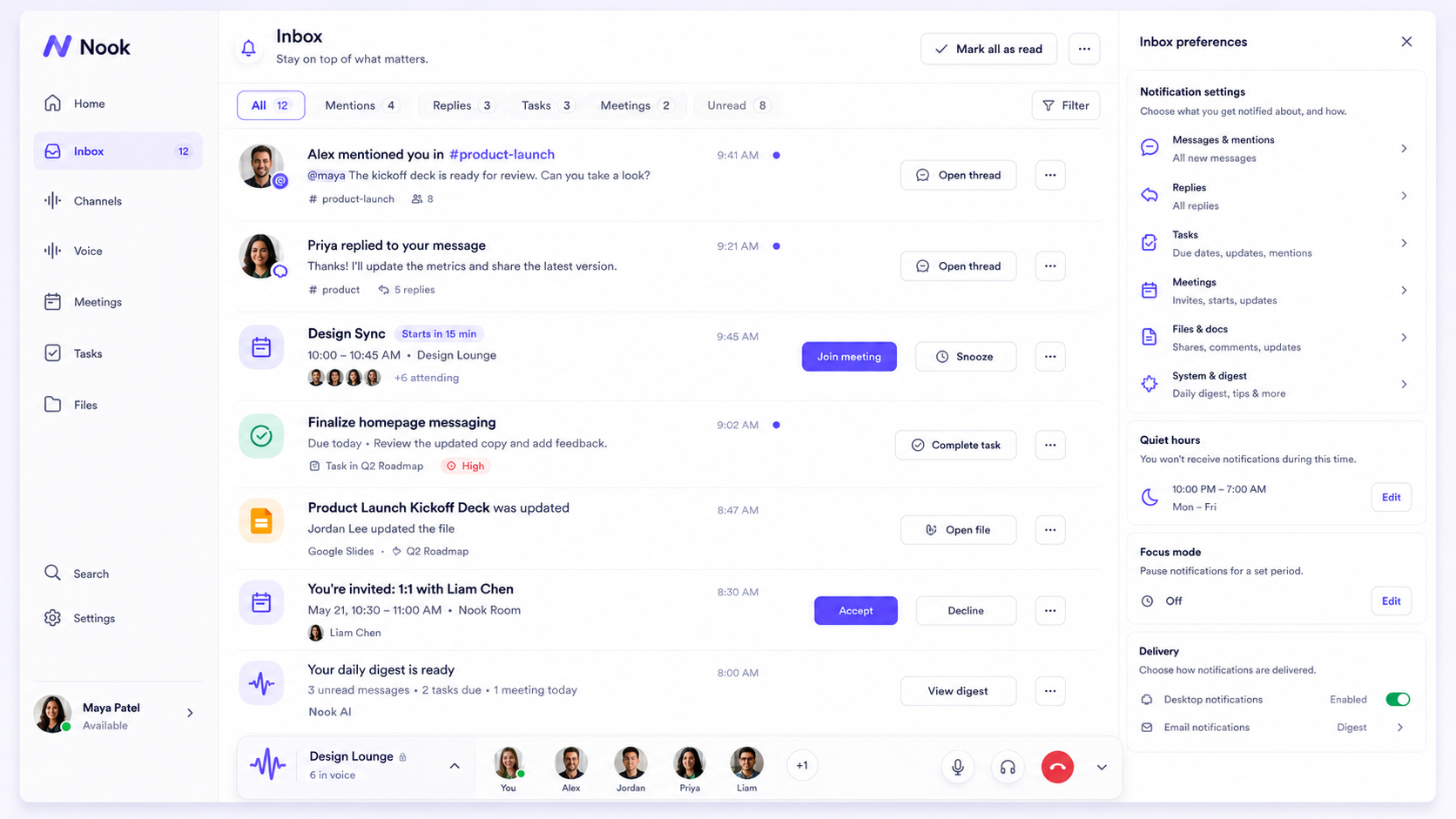
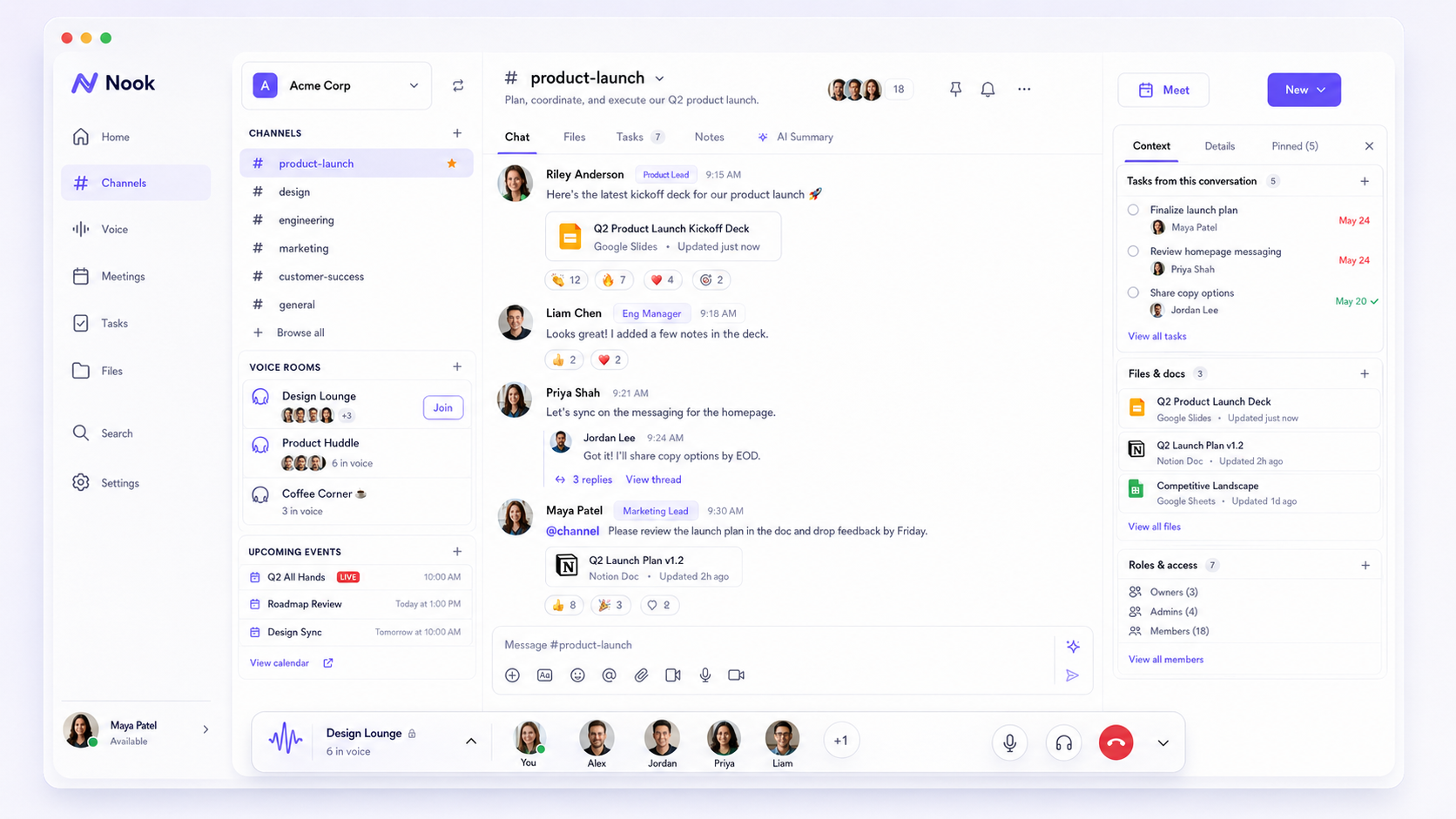
Organized channels for every topic — threaded replies, emoji reactions, inline file previews, and pinned messages keep conversations clear and searchable.
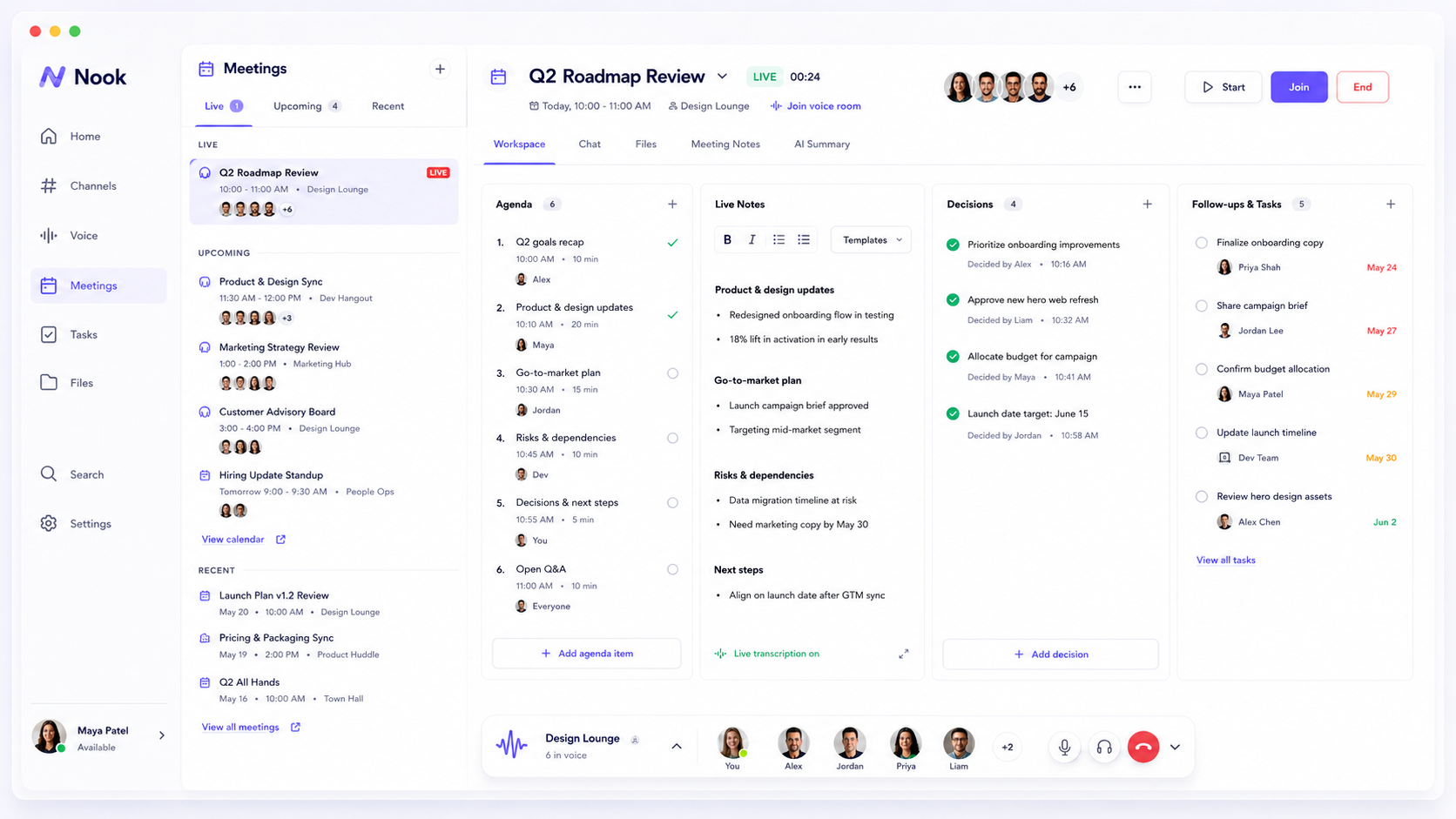
Structured meeting workflows with agendas, live notes, decisions, and action items. Every meeting ends with clarity on what was decided and who owns what.
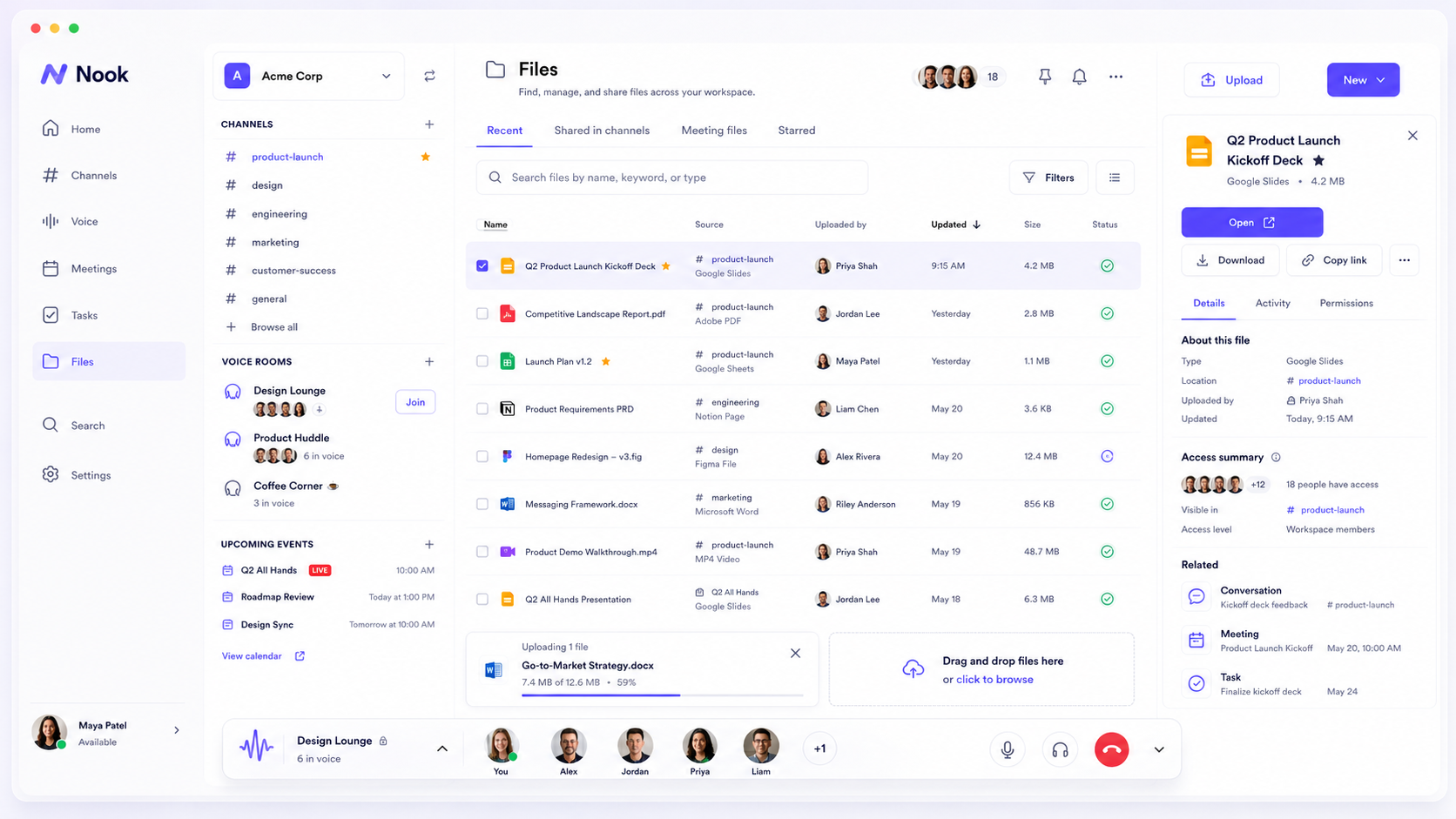
A shared workspace for all your team's documents and attachments. Browse by channel, search across content, and preview files without leaving Nook.
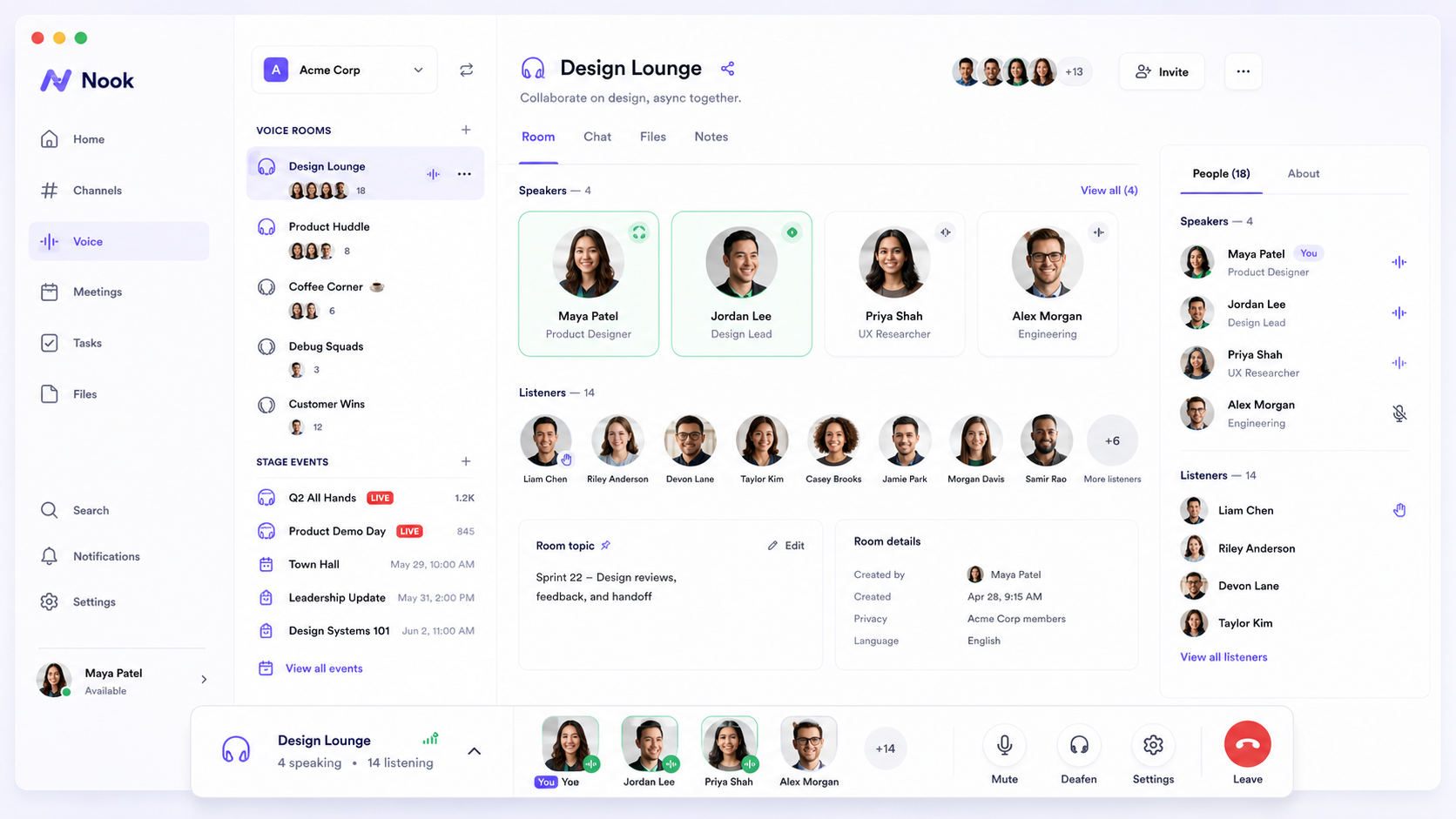
Drop into persistent voice rooms for quick syncs, or host stage events for larger audiences. Screen sharing, participant management, and recording built in.
A unified Activity Inbox surfaces mentions, reactions, and task updates. Focus mode and quiet hours keep notifications from breaking your flow.
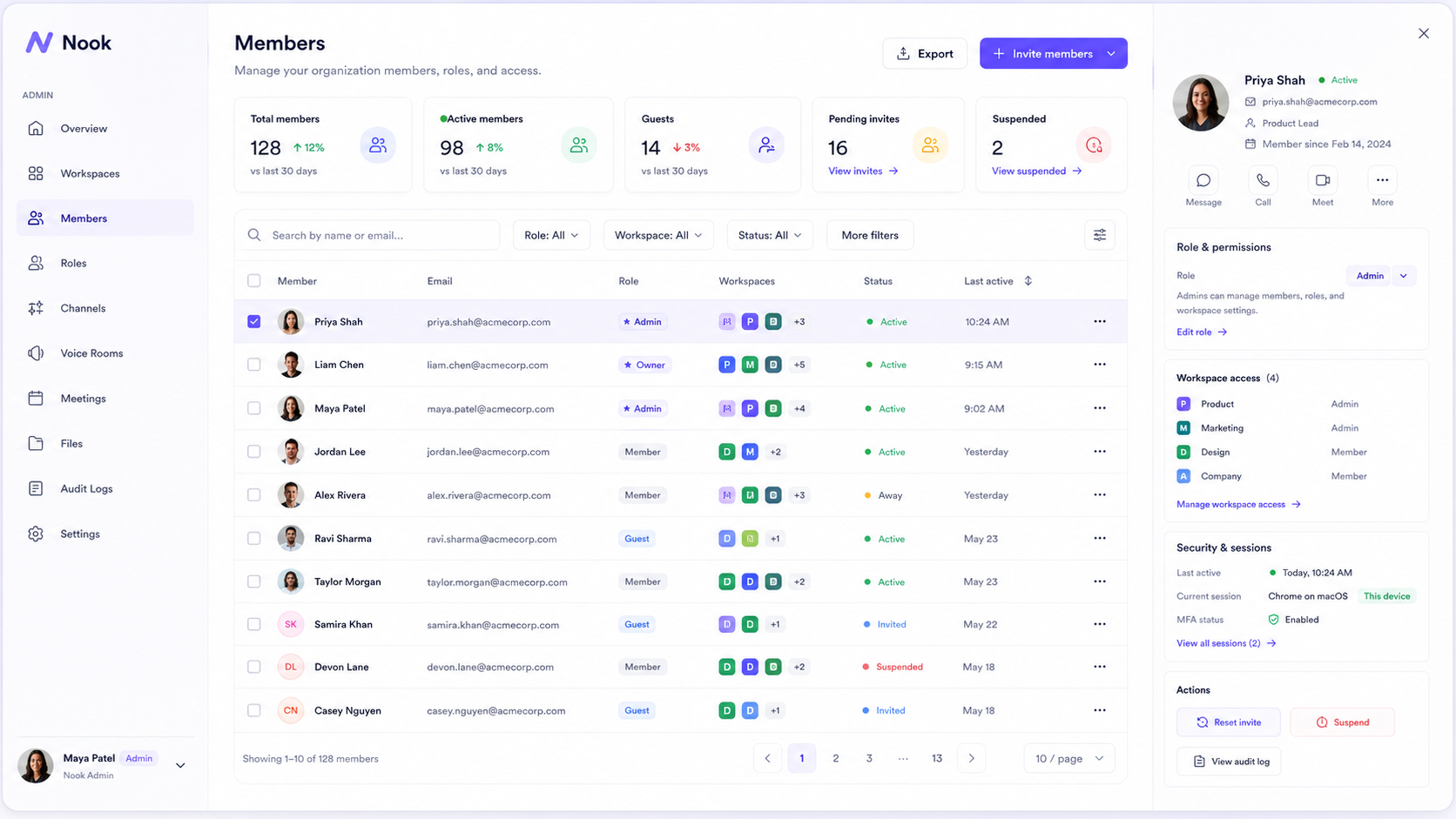
Fine-grained roles and permissions let you control exactly who can see and do what. Manage members, channels, and workspace settings from one place.
Every feature is built to reduce noise, not add to it.
Organized conversations with threads, reactions, and inline file previews. Every channel stays searchable forever.
Structured agendas, live collaborative notes, decisions, and action items. Every meeting produces something useful.
Persistent audio rooms for quick syncs and stage events for larger audiences. Drop in and out without scheduling.
Shared document workspace with full-text search across all attachments. Find anything in seconds.
Find messages, files, decisions, and people across your entire workspace. Instant results, powerful filters.
Fine-grained permissions let you control exactly who can see and do what. Member management at any scale.
Nook runs on infrastructure you control under a paid self-hosted license. Your Portal customer account manages licensing and downloads but never grants access to local content.
# Deploy Nook on your own VPS
services:
  nook-api:
    image: ghcr.io/nook-app/nook:latest
    restart: unless-stopped
    environment:
      DATABASE_URL: postgres://nook:secret@db/nook
      JWT_SECRET: your-secret-here
    depends_on: [db]

  db:
    image: postgres:16-alpine
    volumes:
      - pgdata:/var/lib/postgresql/data

  nginx:
    image: nginx:alpine
    ports: ["80:80", "443:443"]
    volumes:
      - ./nginx.conf:/etc/nginx/conf.d/default.conf

volumes:
  pgdata:
Native desktop clients for Windows, macOS, and Linux. Connect to your self-hosted Nook instance.
Ubuntu 20.04+ or equivalent
Loading… Loading… Beta release — desktop installers are not yet code-signed. macOS will show a Gatekeeper warning (right-click → Open). Windows may show SmartScreen (More info → Run anyway).
Install the latest available Nook build on your phone. Scan the QR code on desktop, or use the install link directly on your device.
iOS 16.4 or later
Android 10 or later
Only published builds appear here. If a store or TestFlight link is unavailable, Nook offers the direct install file published by the release pipeline. Android may ask you to allow installation from your browser for direct APK installs.